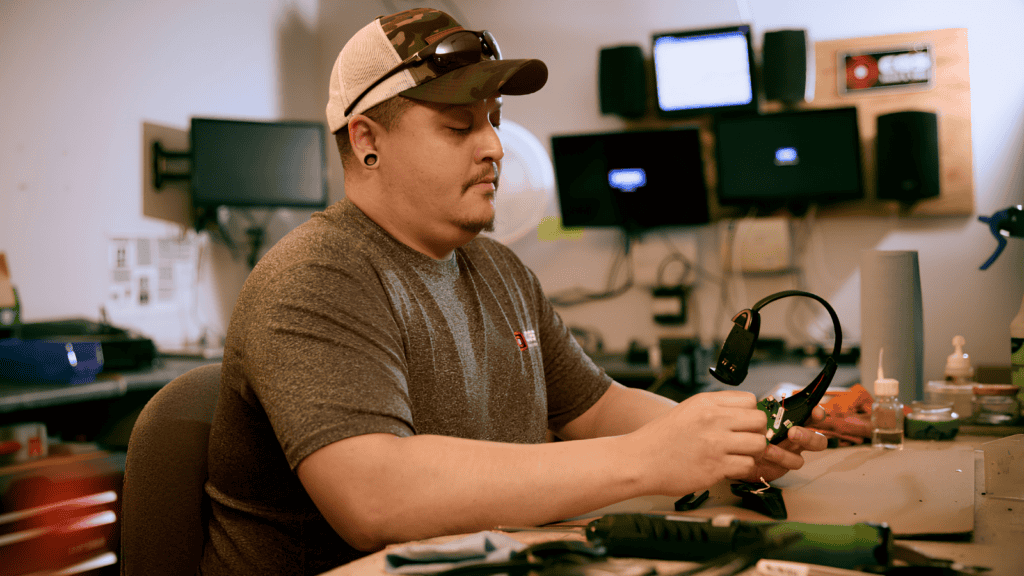
December is when a lot of operators set next year's capital plan. Somewhere on that list is the drive-thru: the system that's been "fine, mostly" for a while, the store that's had several service calls since summer, the headsets the crew keeps complaining about.
The question is always the same. Do we keep fixing it, or is it time to replace the drive-thru system?
Most of the time, that decision gets made on the wrong evidence: the worst week of the year, or the size of a quote. A bad week makes everything look like it needs replacing. A big quote makes everything look fixable.
Most drive-thru systems don't need a yes-or-no answer
Repair versus replace is usually a false choice. In the drive-thru assessments Carolina Georgia Sound (CGS) runs, the answer often falls in the middle: replace the parts that wear out, keep the core that still works. That's why we think about it as three options, not two.
- Repair: Failures are isolated and infrequent, and parts and support are available.
- Refresh: Replace consumables and aging components, like headsets, batteries and order point parts, while keeping the core system.
- Replace: The core system fails often, support is uncertain, or it can't do what the store needs.
The six questions below will tell you which one you're looking at.
1. How often is it failing, and is that getting worse?
One service call a year is maintenance. A call every few weeks is a pattern. The trend matters more than any single call. Pull 12 months of service history for each store and look at the direction, not just the total.
It also helps to look at what the calls were for. Five calls for five different problems tell a different story than five calls for the same one. Repeat failures on the same component usually point to a refresh. Failures spread across the whole system point toward replacement.
2. Is the problem one component or the whole system?
Headsets, batteries and cables wear out by design. Replacing them is a refresh, not a sign the system is done. When problems show up across the base station, the order point and multiple headsets at once, that's a different conversation.
This is where refresh gets underpriced. Operators who replace the whole system to fix what was really a headset and battery problem spend more than they needed to. Operators who keep buying headsets for a base station that's failing spend money on the wrong part. Knowing which one you're dealing with is most of the decision.
3. Can you still get parts and support?
Every system eventually reaches a point where parts get harder to find and repairs take longer. Don't guess. Ask your technology provider directly what the support outlook is for the specific equipment in each store, and get the answer in writing.
If a system is still well supported, a repair or refresh is usually the safer bet. If parts are getting scarce, even a system that works today can turn a routine failure into days of downtime. That risk belongs in the budget conversation, not just the repair history.
4. What is the downtime actually costing you?
Use your own timer data. Compare speed of service on days with audio or headset problems to days without. A repair that looks cheap can cost more than it saves once you count the cars lost while the system isn't working right.
5. Does it fit where the rest of the store is going?
A drive-thru system doesn't work alone. It connects to timers and other store technology, and your brand may have its own technology requirements or plans. Before replacing, check that the new system fits those plans. Before repairing, check that the current one isn't about to become the odd one out.
This matters most for multi-unit operators. Running different drive-thru systems across stores means different parts, different training and different troubleshooting. Sometimes standardizing is worth it on its own. Sometimes it isn't. Either way, it should be a decision, not an accident of which store failed first.
6. Can the work fit around your operation
Replacement means installation days. Plan them around your peaks and your other projects, not in the middle of them. For McDonald's operators wrapping up camera work this winter, it's worth sequencing drive-thru projects behind it early, rather than stacking them.
Putting it together
| What you’re seeing | Likely answer |
|---|
| Infrequent, isolated failures; parts and support available | Repair |
| Headsets, batteries or order point parts failing; core system stable | Refresh |
| Frequent, system-wide failures, or uncertain parts and support | Replace, and plan it |
What to do next
- Pull 12 months of service history for each store.
- Inventory headsets and batteries, including how old they are.
- Pull timer data around days you know the system had problems.
- Ask your provider for the parts and support outlook in writing.
- Sort each store into repair, refresh or replace. Budget the replacements and schedule the refreshes.
The right answer is usually store by store, not one decision for the whole portfolio.
Planning Your 2027 Drive-Thru Budget? Get a Store-by-Store Read.
CGS serves QSR operators across Georgia, South Carolina, and Ohio. Most drive-thru decisions are not a simple choice between repair and replace. A drive-thru assessment sorts each store into a repair, a refresh or a replacement, so you can budget the replacements and schedule the refreshes. Schedule it before you finalize your 2027 budget.
Schedule a Drive-Thru Assessment
About the Author
Written by Grant Wycliff, President of CGS. Grant works with QSR operators across Georgia, South Carolina, and Ohio on drive-thru systems, capital planning, and full-stack technology service. CGS is a commercial AV and technology integrator with 35 years of experience serving QSR operators, retail, hospitality, and commercial businesses. Connect with us on LinkedIn.